
Tutoriales de ArkonOne
Aprenda cada parte de ArkonOne
10 cursos y 424 videos cortos con subtítulos, grabados en la aplicación real. Siga un curso en orden o busque la tarea que necesita. Cada lección tiene los pasos escritos debajo.
Comience con Primeros pasosSin sonido, con subtítulos y de cerca de un minuto cada uno, para que pueda verlos en cualquier lugar.
Comience aquí
Todos los cursos
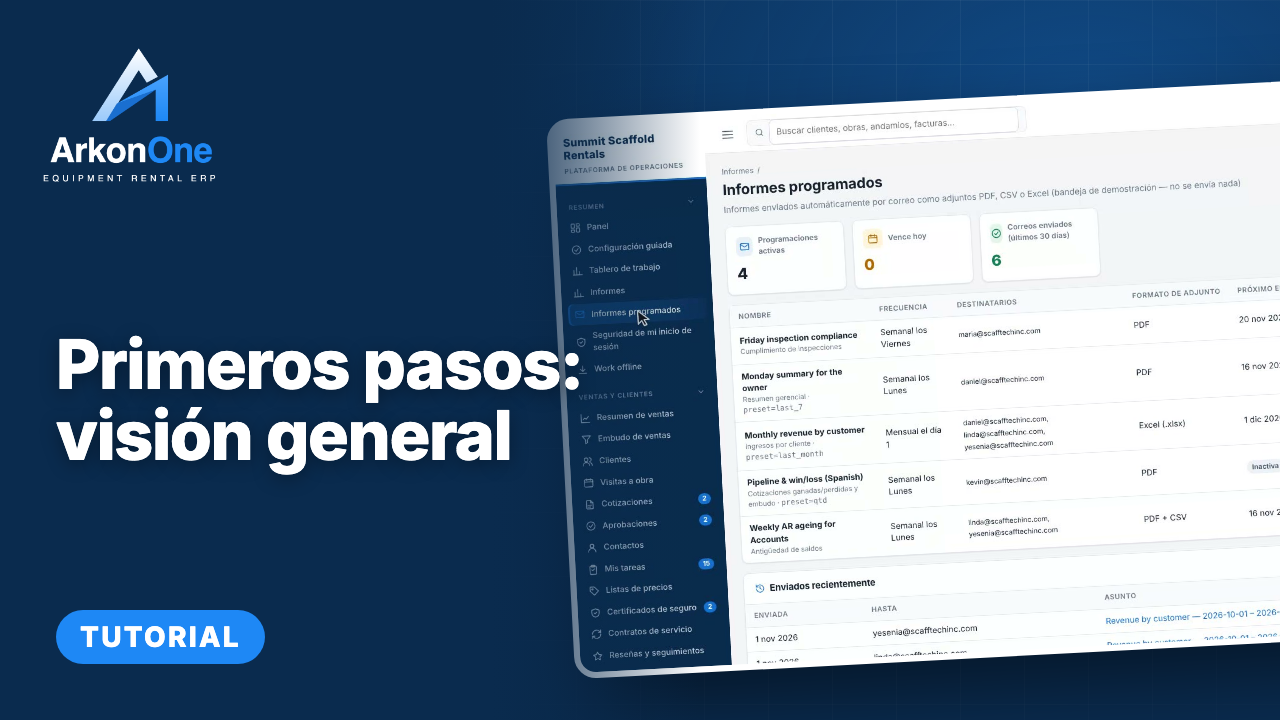
Getting Started
Your first look at Arkon One: the dashboard, guided setup, the job board, reports, your own sign-in security and working offline.
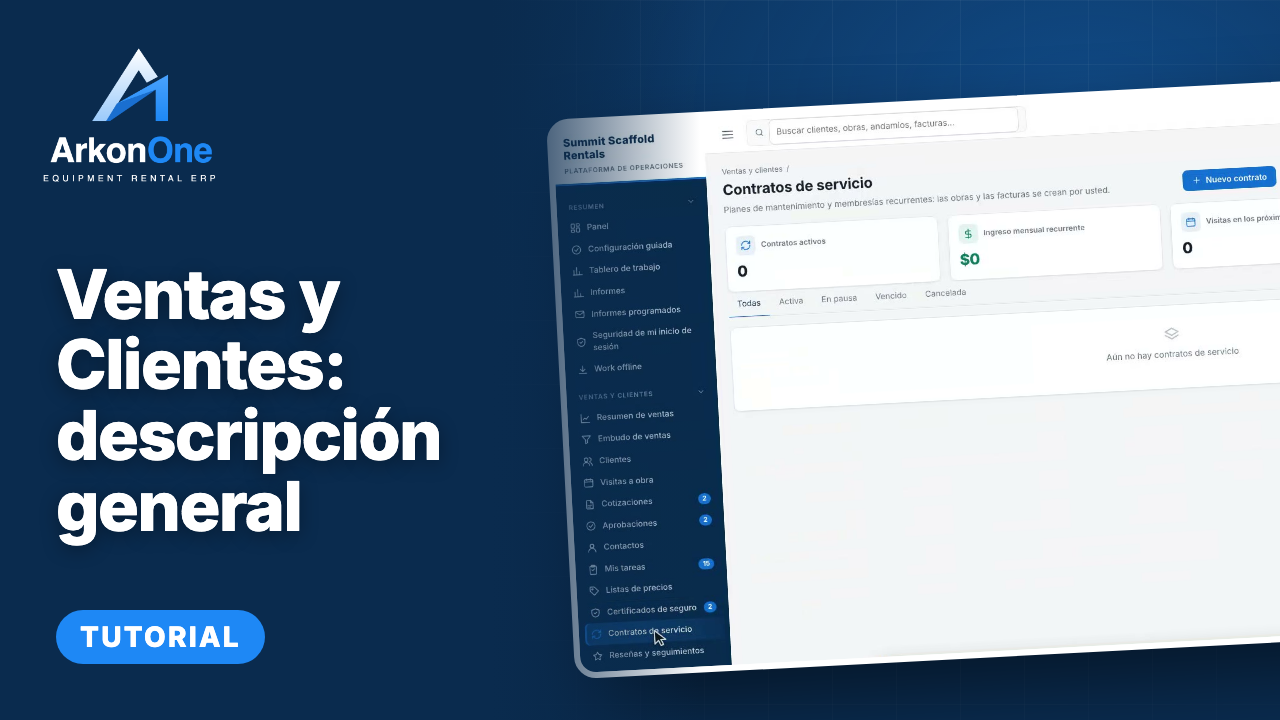
Iniciar curso →Sales and Customers
Everything from the first enquiry to a signed job: the sales pipeline, customers and contacts, site visits, quotes, approvals, the bidding estimator, price lists, insurance certificates and service contracts.
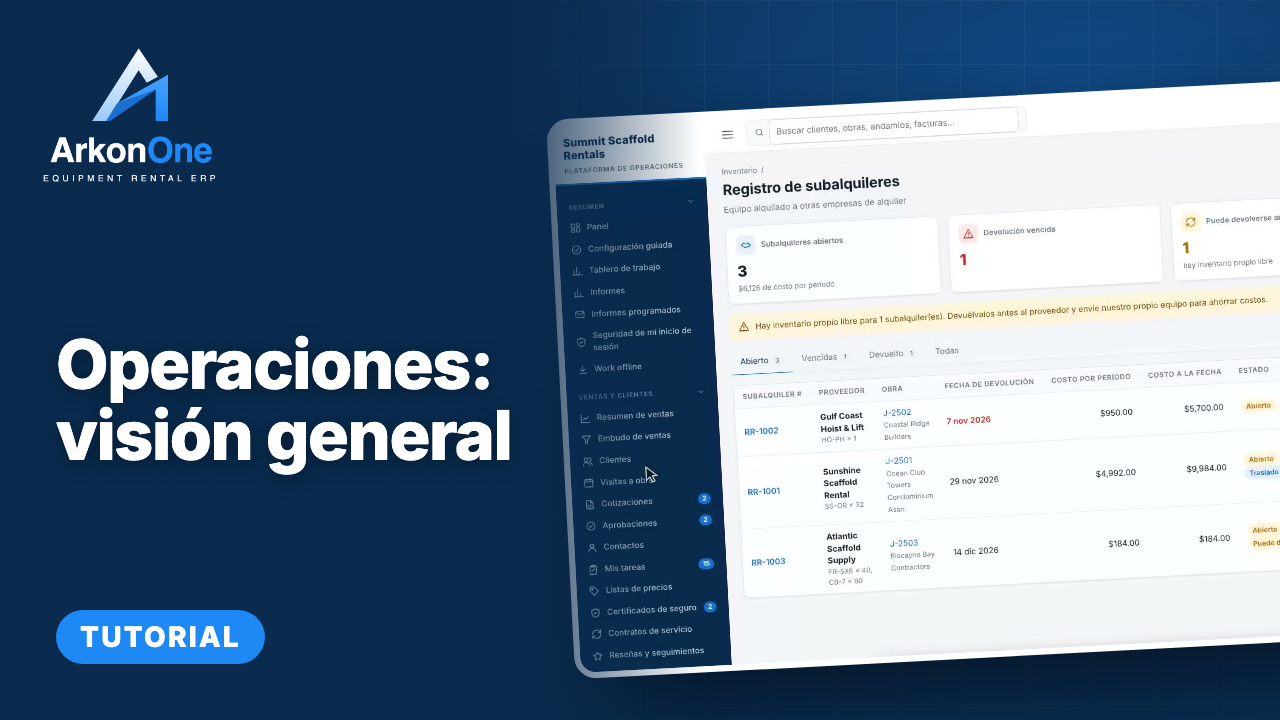
Iniciar curso →Operaciones
Run the yard and the schedule: the calendar, jobs, scaffold map, inventory and stock, locations and transfers, lost and damaged equipment, scrap sales, shipments, dispatch and trucks, and location performance.
Iniciar curso →Field and Safety
Work orders, inspections and defects, handovers, safety documents and incident reports, daily reports and productivity, for the people on site.
Iniciar curso →People and Payroll
Crews, employees, certifications and training, timesheets and approvals, leave, pay rates and payroll preparation, certified payroll, workers compensation costing and year-end 1099 data.
Iniciar curso →Engineering and 3D Designer
Site drawings, the 3D scaffold designer with its component library, design rules and templates, the document register, review queue, transmittals, permits and drawing checks.
Iniciar curso →Billing and Finance
Rental agreements and recurring billing, invoices and payments, collections, deposits, billing runs, finance reports, the general ledger and sales tax, advanced accounting, job profitability and forecasts.
Iniciar curso →Comunicación
The inbox, mailbox and texting, templates, broadcasts and notification rules, the daily summary email, job-site weather, storm center and the AI receptionist.
Iniciar curso →Administration and Settings
Company settings, users and roles, two-factor sign-in, templates and per-customer numbering, lists, importing your data, the audit log, tax rates, email setup, proposal templates, your company website and the mobile app.
Iniciar curso →Help and Feedback
How to get help inside Arkon One: the help assistant, the FAQ, and the in-app bug and feature reporting that sends your idea straight to the team.
Iniciar curso →Recién agregadas
- 7Cómo preguntar al asistente de ayudaCómo hacerlo58 s
- 6Cómo sugerir una idea de funciónCómo hacerlo73 s
- 5Cómo reportar un error desde cualquier páginaCómo hacerlo69 s
- 4Cómo iniciar sesiónCómo hacerlo55 s
- 3Cómo recorrer Help & FAQ en Arkon OneRecorrido por la página2 min
- 2Mis informes: un recorridoRecorrido por la página68 s
Un curso para cada parte de la aplicación, con una descripción general al inicio.
Videos cortos sin sonido, con subtítulos y cada botón resaltado.
Marque las lecciones como completadas y los tutoriales continúan donde se quedó.