
Tutorial ArkonOne
Scopra ogni parte di ArkonOne
10 corsi e 424 brevi video con sottotitoli, registrati nell'app reale. Segua un corso in ordine oppure cerchi l'attività che le serve. Ogni lezione ha i passaggi scritti qui sotto.
Inizi da Primi passiSenza audio, con sottotitoli e di circa un minuto ciascuno, così può guardarli ovunque.
Inizi qui
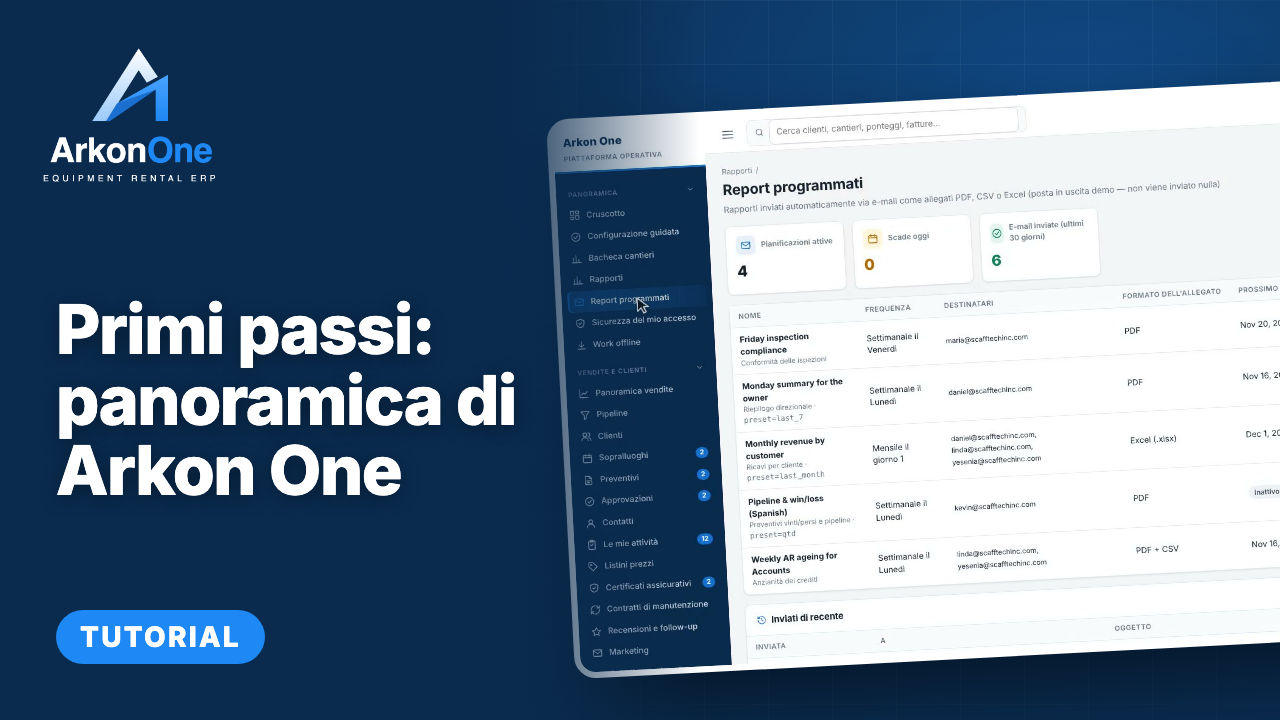
Primi passi: panoramica di Arkon One
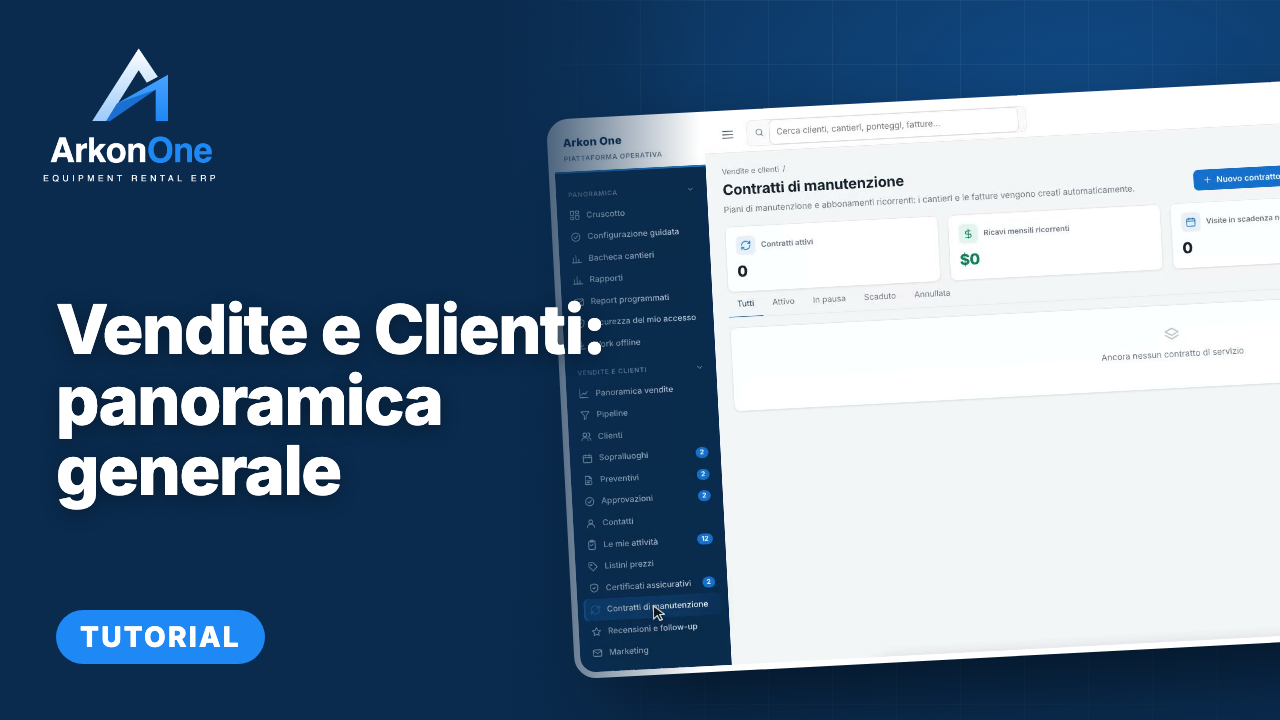
Vendite e Clienti: panoramica generale
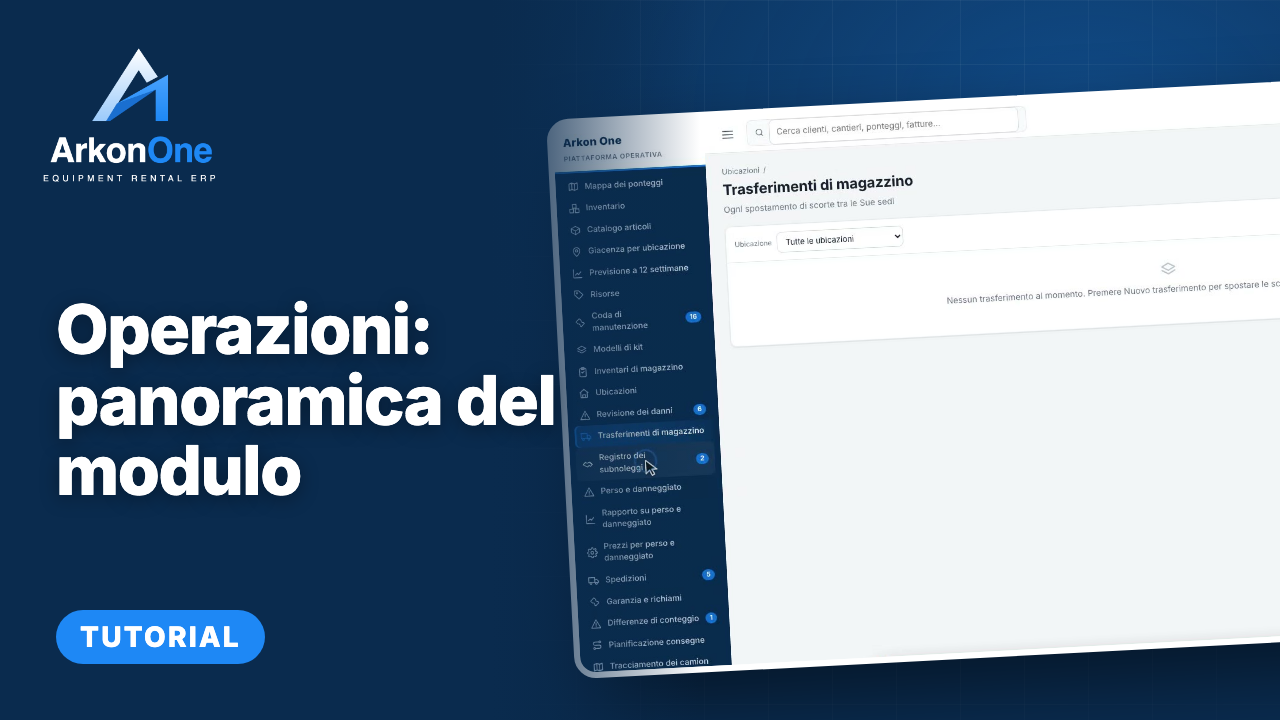
Operazioni: panoramica del modulo
Tutti i corsi
Getting Started
Your first look at Arkon One: the dashboard, guided setup, the job board, reports, your own sign-in security and working offline.
Inizia il corso →Sales and Customers
Everything from the first enquiry to a signed job: the sales pipeline, customers and contacts, site visits, quotes, approvals, the bidding estimator, price lists, insurance certificates and service contracts.
Inizia il corso →Operazioni
Run the yard and the schedule: the calendar, jobs, scaffold map, inventory and stock, locations and transfers, lost and damaged equipment, scrap sales, shipments, dispatch and trucks, and location performance.
Inizia il corso →Field and Safety
Work orders, inspections and defects, handovers, safety documents and incident reports, daily reports and productivity, for the people on site.
Inizia il corso →People and Payroll
Crews, employees, certifications and training, timesheets and approvals, leave, pay rates and payroll preparation, certified payroll, workers compensation costing and year-end 1099 data.
Inizia il corso →Engineering and 3D Designer
Site drawings, the 3D scaffold designer with its component library, design rules and templates, the document register, review queue, transmittals, permits and drawing checks.
Inizia il corso →Billing and Finance
Rental agreements and recurring billing, invoices and payments, collections, deposits, billing runs, finance reports, the general ledger and sales tax, advanced accounting, job profitability and forecasts.
Inizia il corso →Comunicazione
The inbox, mailbox and texting, templates, broadcasts and notification rules, the daily summary email, job-site weather, storm center and the AI receptionist.
Inizia il corso →Administration and Settings
Company settings, users and roles, two-factor sign-in, templates and per-customer numbering, lists, importing your data, the audit log, tax rates, email setup, proposal templates, your company website and the mobile app.
Inizia il corso →Help and Feedback
How to get help inside Arkon One: the help assistant, the FAQ, and the in-app bug and feature reporting that sends your idea straight to the team.
Inizia il corso →Aggiunti di recente
- 7Come usare l'assistente di aiutoGuida pratica58 sec
- 6Come suggerire un'idea per una nuova funzioneGuida pratica74 sec
- 5Come segnalare un bug da qualsiasi paginaGuida pratica69 sec
- 4Come accedere ad Arkon OneGuida pratica55 sec
- 3Help & FAQ: il tour della paginaTour della pagina2 min
- 2Come usare I miei report: una panoramicaTour della pagina68 sec
Un corso per ogni parte dell'app, con una panoramica iniziale.
Brevi video senza audio, con sottotitoli e ogni pulsante evidenziato.
Segni le lezioni come completate e i tutorial riprendono da dove si è fermato.