
ArkonOne Tutorials
Lernen Sie jeden Bereich von ArkonOne kennen
10 Kurse und 424 kurze Videos mit Untertiteln, aufgenommen in der echten App. Folgen Sie einem Kurs der Reihe nach oder suchen Sie gezielt nach der Aufgabe, die Sie brauchen. Zu jeder Lektion gibt es die Schritte auch als Text.
Starten Sie mit „Erste Schritte“Ohne Ton, mit Untertiteln und etwa eine Minute lang, damit Sie überall zuschauen können.
Hier starten
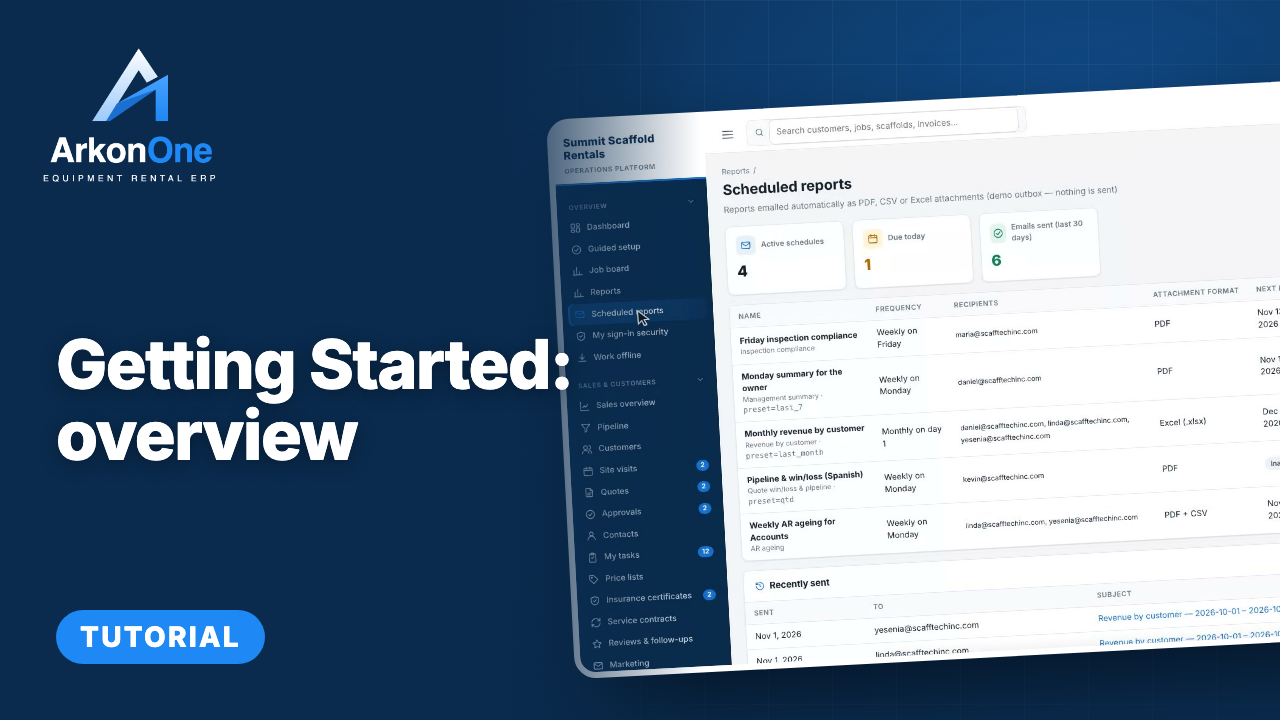
Erste Schritte: Überblick
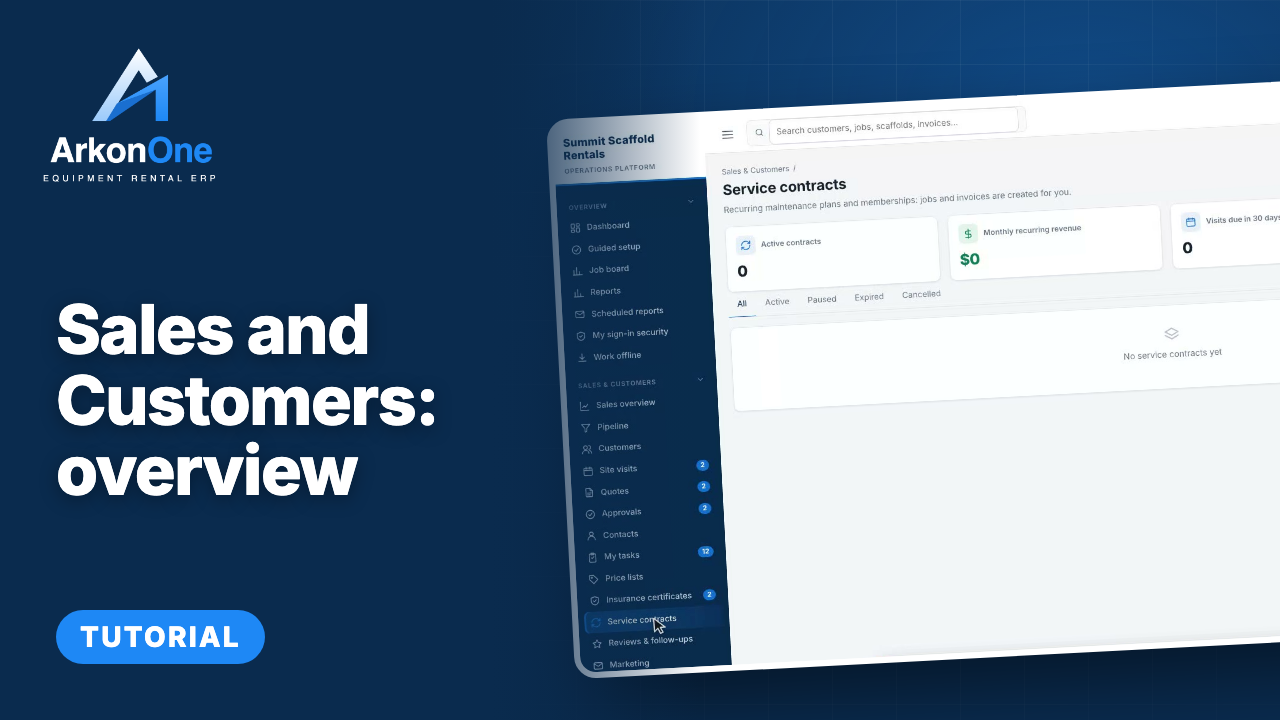
Vertrieb und Kunden: Überblick
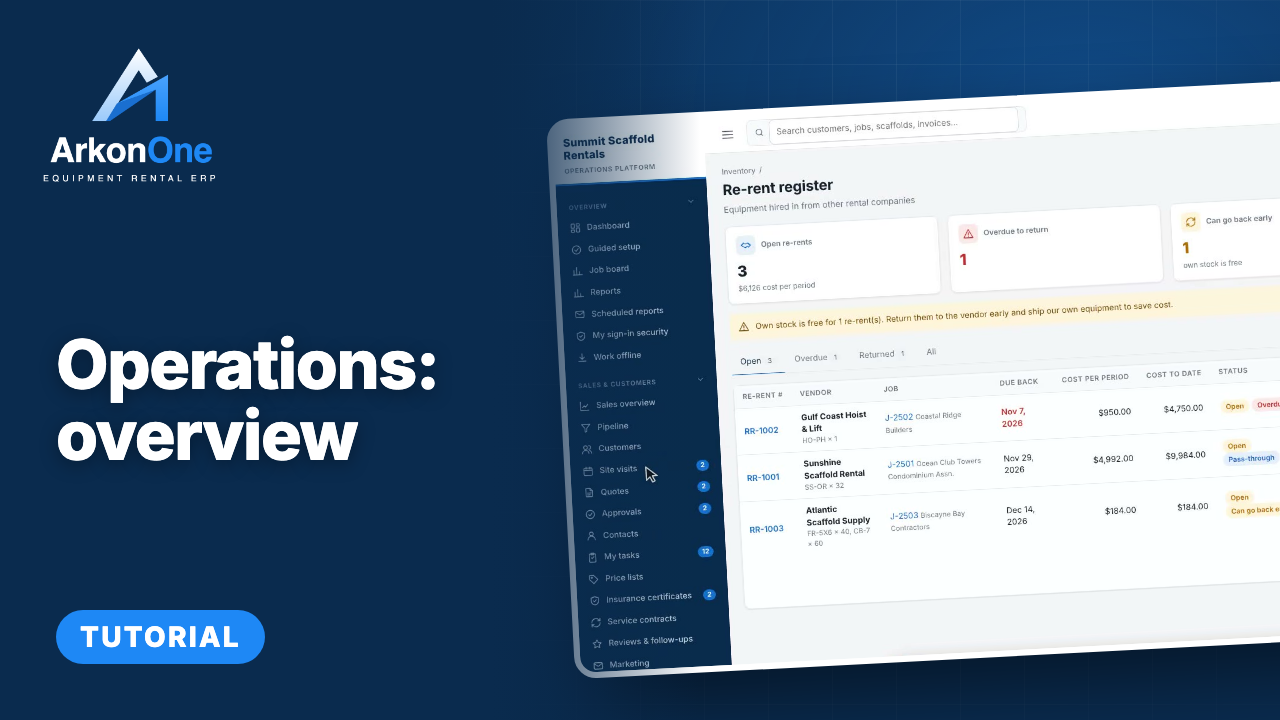
Betrieb im Überblick: Aufträge, Lager und Fuhrpark steuern
Alle Kurse
Getting Started
Your first look at Arkon One: the dashboard, guided setup, the job board, reports, your own sign-in security and working offline.
Kurs starten →Sales and Customers
Everything from the first enquiry to a signed job: the sales pipeline, customers and contacts, site visits, quotes, approvals, the bidding estimator, price lists, insurance certificates and service contracts.
Kurs starten →Betrieb
Run the yard and the schedule: the calendar, jobs, scaffold map, inventory and stock, locations and transfers, lost and damaged equipment, scrap sales, shipments, dispatch and trucks, and location performance.
Kurs starten →Field and Safety
Work orders, inspections and defects, handovers, safety documents and incident reports, daily reports and productivity, for the people on site.
Kurs starten →People and Payroll
Crews, employees, certifications and training, timesheets and approvals, leave, pay rates and payroll preparation, certified payroll, workers compensation costing and year-end 1099 data.
Kurs starten →Engineering and 3D Designer
Site drawings, the 3D scaffold designer with its component library, design rules and templates, the document register, review queue, transmittals, permits and drawing checks.
Kurs starten →Billing and Finance
Rental agreements and recurring billing, invoices and payments, collections, deposits, billing runs, finance reports, the general ledger and sales tax, advanced accounting, job profitability and forecasts.
Kurs starten →Kommunikation
The inbox, mailbox and texting, templates, broadcasts and notification rules, the daily summary email, job-site weather, storm center and the AI receptionist.
Kurs starten →Administration and Settings
Company settings, users and roles, two-factor sign-in, templates and per-customer numbering, lists, importing your data, the audit log, tax rates, email setup, proposal templates, your company website and the mobile app.
Kurs starten →Help and Feedback
How to get help inside Arkon One: the help assistant, the FAQ, and the in-app bug and feature reporting that sends your idea straight to the team.
Kurs starten →Neu hinzugefügt
- 7So fragen Sie den HilfeassistentenAnleitung58 Sek.
- 6So schlagen Sie eine neue Funktion vorAnleitung73 Sek.
- 5Fehler von jeder Seite aus meldenAnleitung69 Sek.
- 4So melden Sie sich anAnleitung55 Sek.
- 3Help & FAQ: Überblick und wichtigste FunktionenSeitenrundgang2 Min.
- 2Meine Meldungen: ein ÜberblickSeitenrundgang68 Sek.
Ein Kurs für jeden Bereich der App, zuerst mit einer Übersicht.
Kurze Videos ohne Ton, mit Untertiteln und einer Markierung an jeder Schaltfläche.
Markieren Sie Lektionen als abgeschlossen, und die Tutorials machen dort weiter, wo Sie aufgehört haben.